本页面尚未翻译成简体中文,因此以英文显示。
Sign PDFs
Print, sign, scan… not any more.
Create your signature once, place it on any document in one click.
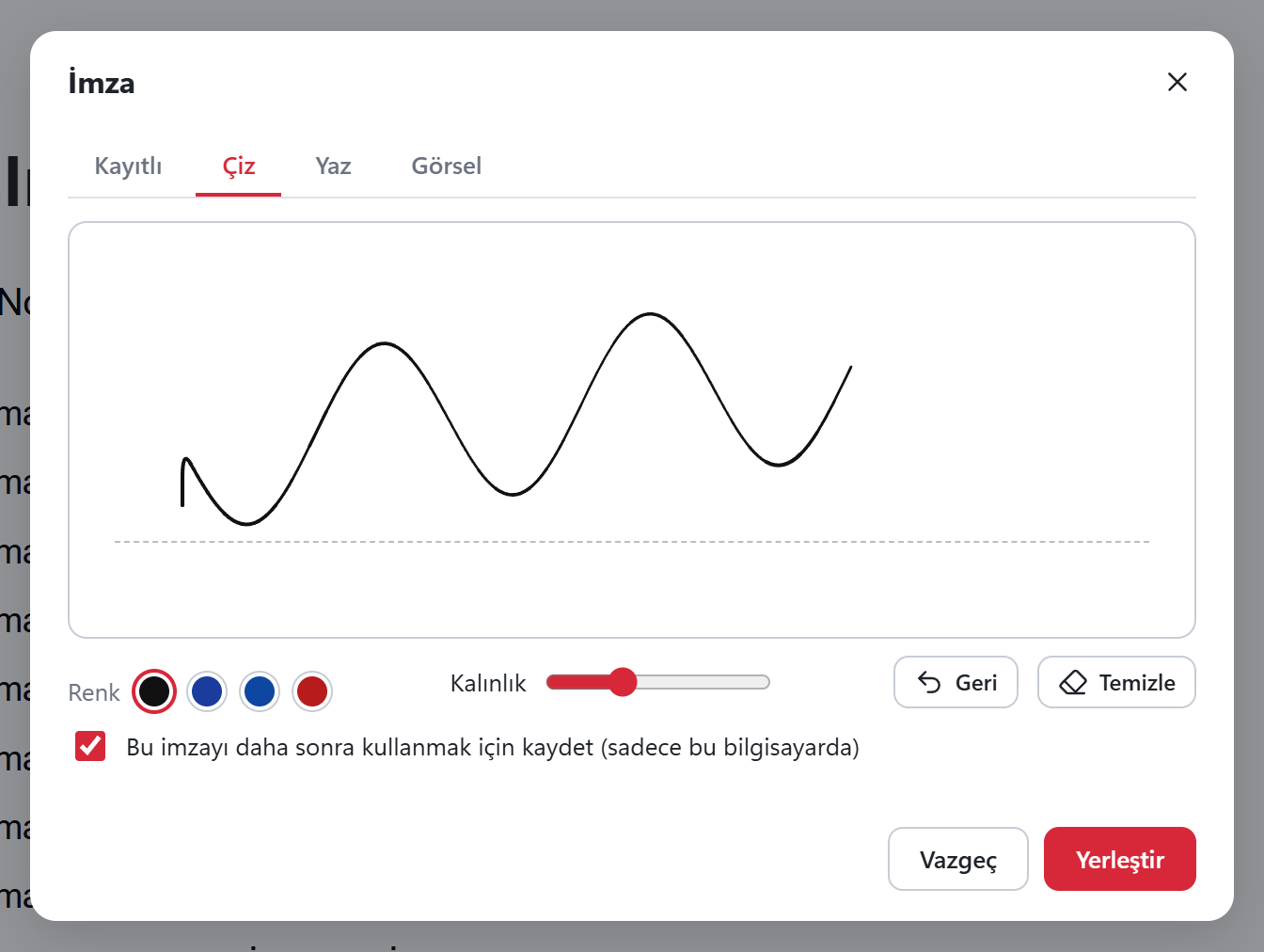
Three ways to create your signature
Draw
With a mouse, touchscreen or pen.
Type
Type your name; it becomes a signature in the font you choose.
From an image
Pick a photo of your signature on paper; the background is cleaned up.
- Save your signature and initials; they stay on this computer only. Dates and stamps can be added too.
Important: this is a visual signature, not a qualified e-signature
The signature is an image placed on the page, not a qualified electronic signature or a certificate-based digital signature. If you need one, use your e-signature provider's tool.
Got a PDF job waiting? Sort it out now.
Download free, install, open. No account, no card, no ads, no watermark.