Esta página aún no está traducida al español, por eso se muestra en inglés.
Sign PDFs
Print, sign, scan… not any more.
Create your signature once, place it on any document in one click.
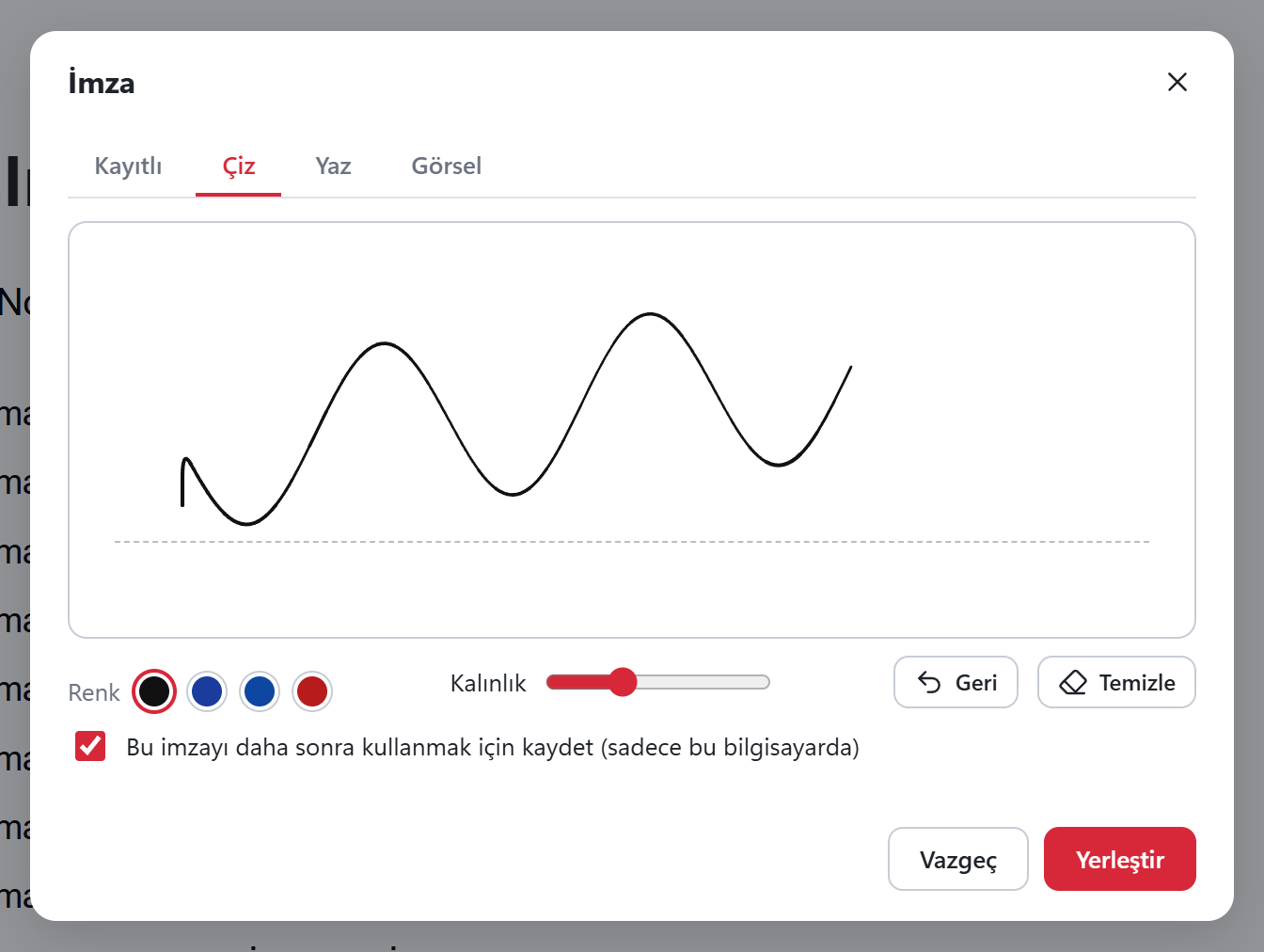
Three ways to create your signature
Draw
With a mouse, touchscreen or pen.
Type
Type your name; it becomes a signature in the font you choose.
From an image
Pick a photo of your signature on paper; the background is cleaned up.
- Save your signature and initials; they stay on this computer only. Dates and stamps can be added too.
Important: this is a visual signature, not a qualified e-signature
The signature is an image placed on the page, not a qualified electronic signature or a certificate-based digital signature. If you need one, use your e-signature provider's tool.
Got a PDF job waiting? Sort it out now.
Download free, install, open. No account, no card, no ads, no watermark.