Batch processing · Pro
Fifty files, one click.
Pick the files, pick the job, press start.
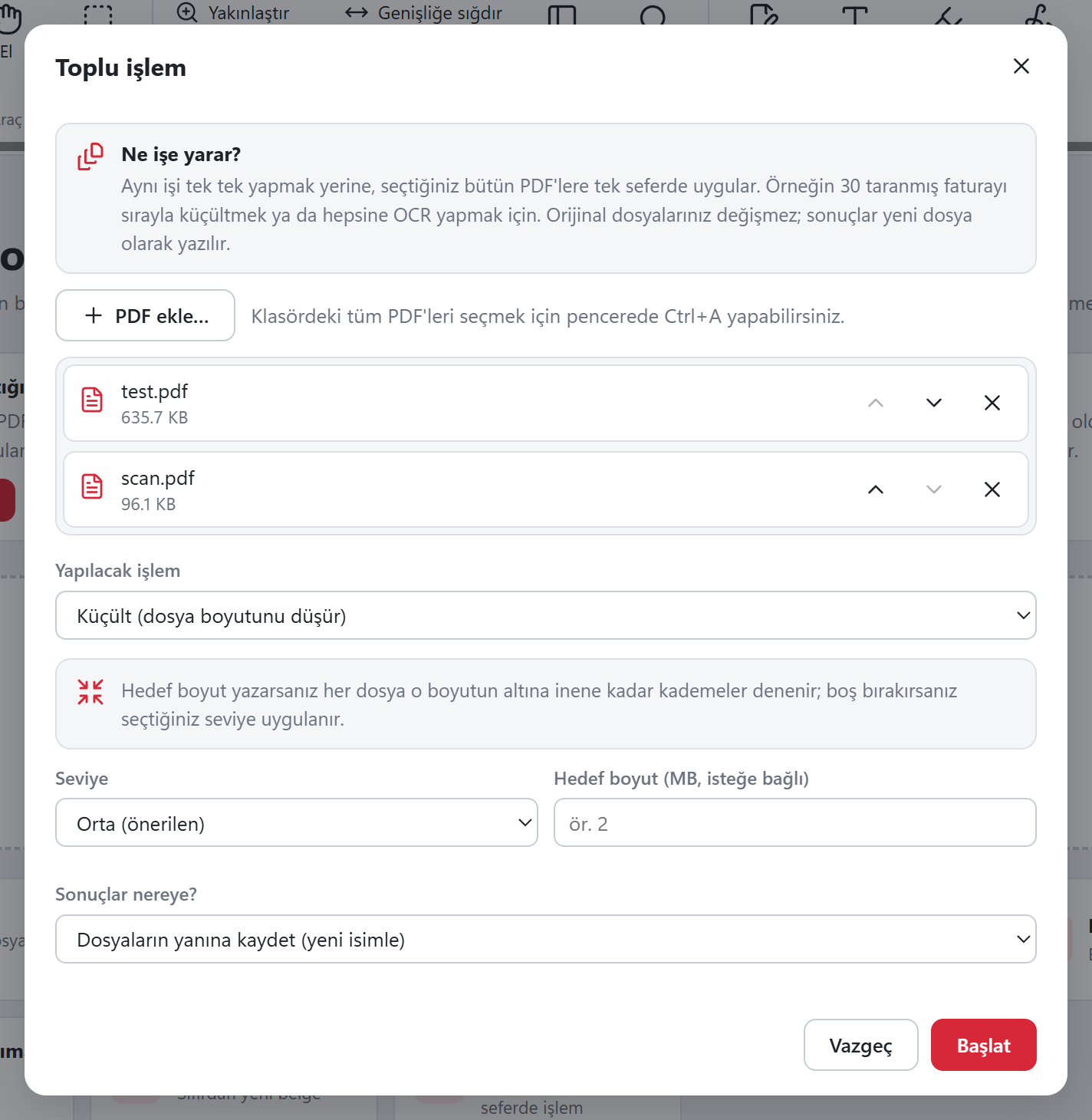
What you can batch with Pro
No file limit, no daily limit. Compressing, merging and splitting one document at a time stays free.
Compress
Same level or target size for all.
OCR
Make every scan searchable.
Watermark
"CONFIDENTIAL", "DRAFT" or any text.
Page numbers
1, 2, 3… "1 / 10" or "Page 1".
Merge
Combine the selected PDFs into one.
Convert to images
Turn pages into JPEGs.
Remove passwords
From files whose password you know, all at once.
Where to save?
Next to the originals under a new name, or in a folder you choose. Originals never change.
Got a PDF job waiting? Sort it out now.
Download free, install, open. No account, no card, no ads, no watermark.